ANCI 3.0: The Assistant That Schedules With Anyone
ANCI 3.0 writes to your clients, books when they reply, works on your executive’s calendar, and never moves without your yes. Here is what is new and why we built it.


Scheduling was never the hard part. The people outside your calendar were.
In May we told you TEAMCAL AI was becoming ANCI. We said the name had to grow into what customers were already asking us for. Today the product catches up with the name.
Finding a free hour across your own team is a solved problem. What still eats an assistant’s morning is everyone else: the client who answers two days later, the vendor in London, the investor who suggests a time you already gave away. Most of that work happens over email, and no calendar can see it.
ANCI 3.0 is built for exactly that. It behaves like a great executive assistant, and it holds itself to the rules a great assistant would.
ANCI writes to them, reads the reply, and books it
Ask ANCI to Find 30 minutes with Dan at Acme next week and it drafts a short, polite email. The email introduces you, says what the meeting is about and where it is, and lists a few times your side is free. The times are numbered, so Dan can reply “2”.
Then ANCI reads whatever Dan writes back. “The second one works.” “Tuesday is better.” “Can we make it an hour?” “None of these, sorry.” If Dan suggests his own time, ANCI checks your calendar and asks you once. If he declines, ANCI finds new times without bothering you again. If he goes quiet, ANCI checks in with you at 3 days and again at 7, and asks whether to nudge, book the best time anyway, or let it go.
- Groups: three guests from three companies are each asked which times work, and ANCI books the one they share.
- Their clock: say “Tom in London” and the email shows Tom’s times on London time.
- No double offers: a time offered to one guest isn’t offered to anyone else while ANCI waits for their answer.
- Forward and forget: forward a meeting request from your inbox, and ANCI drafts the reply for you to approve.
Built for the person who runs someone else’s calendar
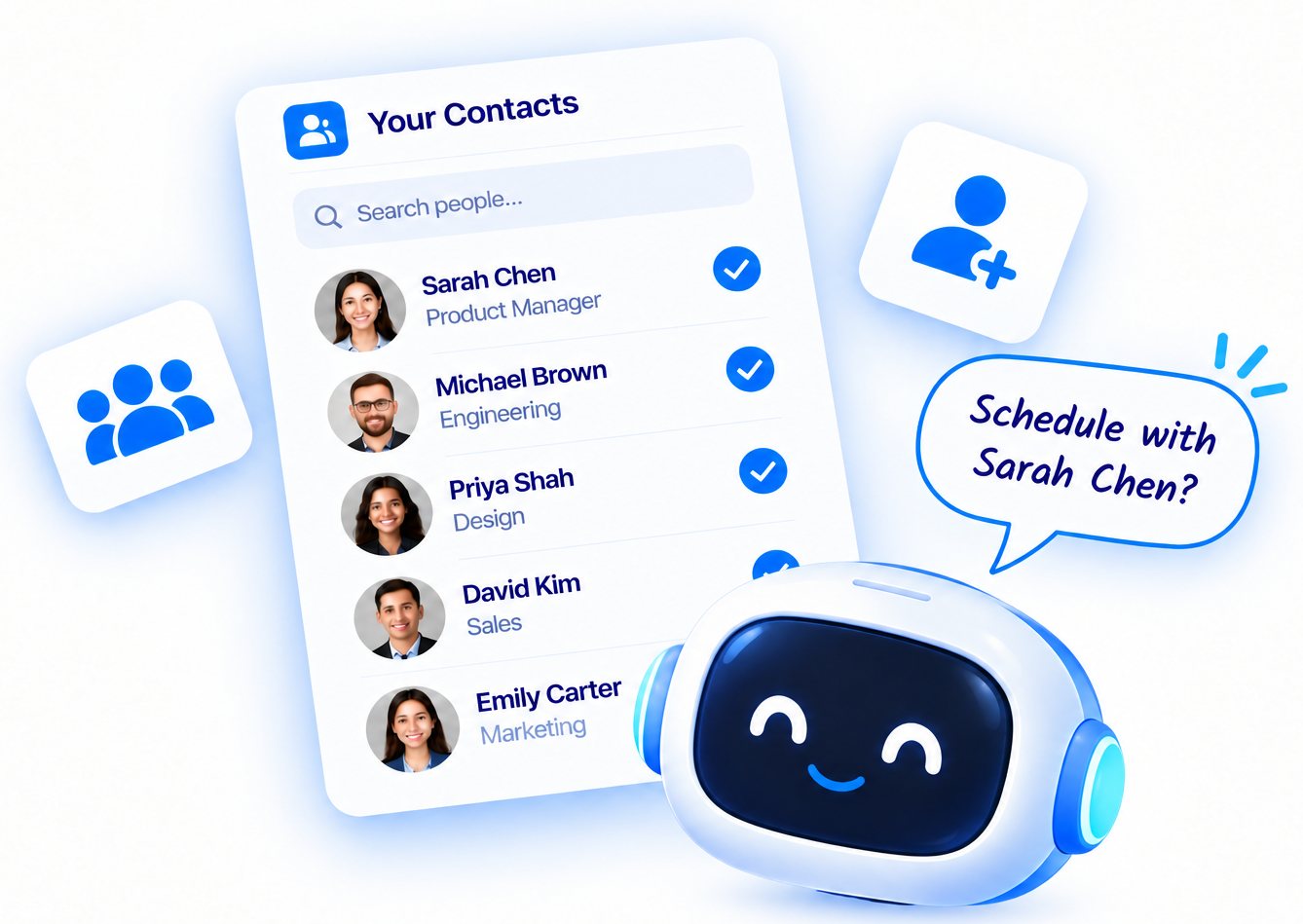
Most of our customers are executive assistants, so 3.0 treats “for Sarah” as a first-class request. Tell ANCI whose calendars you manage, and Move Sarah’s 2pm to Thursday works the way you’d expect: on Sarah’s calendar, in Sarah’s name, honouring Sarah’s standing rules. Assistants can also send guest emails under their own name, signed “powered by ANCI AI”, so a guest always knows who they are dealing with.
An assistant you can’t trust isn’t an assistant.
Nothing happens without your yes
The hardest part of 3.0 wasn’t teaching ANCI new things. It was teaching it when to stop and ask. Before any booking, any change, or any email to someone outside your company, ANCI shows you a card: who, when, where, whose calendar, and who is free. Then it waits.
When something is ambiguous, ANCI asks instead of guessing: which John, whether an address that looks like a typo really is one, or whether you meant 7am or 7pm. If the time you asked for is taken, ANCI names the clash and offers the next free slot. If nothing fits, it tells you whose day ran out. Every question starts with “So far I have:”, so you can catch a misread in the same reply.
We measure this. Every release is graded on hundreds of real phrasings of everyday requests, run against the live model, before it ships.
The rest of the release
- Change anything by chat: reschedule, cancel with a note to attendees, swap two meetings, add an agenda, add or drop people.
- Repeating meetings and blocks: “every weekday at 10”, “every other Tuesday for 6 times”, or Block 12 to 1 every weekday for lunch.
- Standing rules: no meetings before 10, no meetings on Fridays, a buffer between meetings, or a daily cap.
- Several requests in one message: “cancel my 3pm and book Dana right after my board call.”
- Voice: hands-free, with short spoken answers.
- A new app: sign in with Google or Microsoft, no password; a six-item menu; a new Home; and a guided first run.
Give it your next meeting
The best way to see 3.0 is to hand it a meeting with someone outside your company and watch what happens.
Get AI scheduling insights, product news, and Bay Area community updates delivered to your inbox.
No spam. Unsubscribe anytime.